AI OCR for Legal Documents: Accuracy & Risks
A scanned court filing looks like a document. To a computer, it's a photo. You can't search it, copy from it, or feed it into other software until something turns those pixels into text. That's what OCR does.
Quick Answer AI OCR for legal documents uses machine learning to convert scanned court filings, contracts, faxes, and handwritten notes into searchable, editable text. Unlike traditional OCR, it reads context and layout, so it handles poor scans better. Results still need human verification, because a misread name, date, or dollar amount can change a legal outcome.
Key Takeaways
- AI OCR reads messy scans, faxes, and handwriting better than older engines, but it is not flawless.
- The biggest risk is a confident, wrong reading of a name, date, or amount.
- Keep the original scan, spot-check critical fields, and vet any vendor that touches client files.
What Is AI OCR for Legal Documents?
OCR stands for optical character recognition. It's software that finds text in an image and converts it into characters a computer can search and edit. AI OCR does the same job with machine-learning models trained on large amounts of printed text and handwriting. Instead of matching letter shapes one at a time, these models weigh the surrounding words and the page layout.
In legal work, that means turning documents like these into searchable text:
- Scanned court filings and pleadings
- Discovery productions delivered as image-only PDFs
- Contracts that were printed, signed, and scanned
- Faxed medical and billing records
- Handwritten notes and intake forms
- Paper files from closed matters
If you're new to the basics, start with our explainer on what is OCR.
Why Legal Documents Break Traditional OCR
Standard OCR works best on clean, typed, single-column pages. Legal files rarely look like that.
Faxes and low-resolution scans
Fax compression and repeated photocopying blur letters until a "5" and an "S" look alike. A model that reads the whole line can often tell which one fits.
Handwriting
Handwriting varies from person to person, and cursive is the hardest case. AI helps, but handwriting stays the least reliable input, so plan to check it by eye. Specialized handwriting recognition is a separate problem from standard OCR; see OCR vs ICR for the difference.
Pleading paper, stamps, and Bates numbers
Numbered pleading paper, used in some courts such as California's, prints line numbers down the margin. OCR often reads them into the middle of sentences. Stamps and Bates numbers can collide with body text the same way.
Tables and multi-column layouts
Fee schedules and billing ledgers lose their meaning when the output flattens rows and columns into one stream of text.
| Problem | What usually goes wrong | What helps |
| Faded fax | Swapped or dropped characters | Rescan from the original if possible |
| Handwriting | Plausible but wrong words | Human review of key fields |
| Line numbers and stamps | Stray numbers inside sentences | Layout-aware tools, cleanup after extraction |
| Tables | Rows and columns merged | Table extraction, then check the totals |
AI OCR vs. Traditional OCR vs. Manual Transcription
| AI OCR | Traditional OCR | Manual transcription | |
| Best for | Mixed-quality scans, handwriting, complex layouts | Clean, typed pages | Critical or damaged documents |
| Poor scans | Often better, still imperfect | Frequent errors | Strong, since a person can interpret context |
| Handwriting | Usable, needs review | Weak | Strongest |
| Layout and tables | Often preserved | Often flattened | Preserved by hand |
| Speed at volume | Fast | Fast | Slow |
| Cost | Varies by tool and volume | Low, often bundled into scanner or PDF software | Highest |
| Typical error | Plausible but wrong text | Visible gibberish | Typos and fatigue |
| Review needed | Yes, targeted | Yes, heavy on poor scans | Light |
These are general patterns, not benchmarks. Test any tool on your own documents before you trust it.
How to OCR a Scanned Legal Document, Step by Step
- Check the source. Use the original paper if you can. A scan of a copy of a fax has already lost detail.
- Scan with care. 300 DPI is a common baseline for text. The Fourth Circuit's CM/ECF attorney manual, for example, advises 300 dpi when a scanned PDF must be created. Courts differ on color mode and file size, so follow the court's rules for what you file, but run OCR from the best-quality scan you have. Faded pages often read better from grayscale or color than from pure black-and-white.
- Run OCR with the right settings. Choose the document language, and turn on handwriting mode if your tool offers one.
- Review the low-confidence flags. Many tools mark words they're unsure about. Start there.
- Spot-check. Pull a sample of pages and compare names, dates, dollar amounts, and case numbers against the image.
- Export and index. Save a searchable PDF (the original image with a hidden text layer) or text files. For long-term archives, consider PDF/A. Use consistent file names, plus Bates numbers where they apply.
For a plain-language walkthrough of the conversion itself, see how to convert a scanned PDF to editable text.
The Biggest Risk: When AI "Corrects" Text That Was Never There
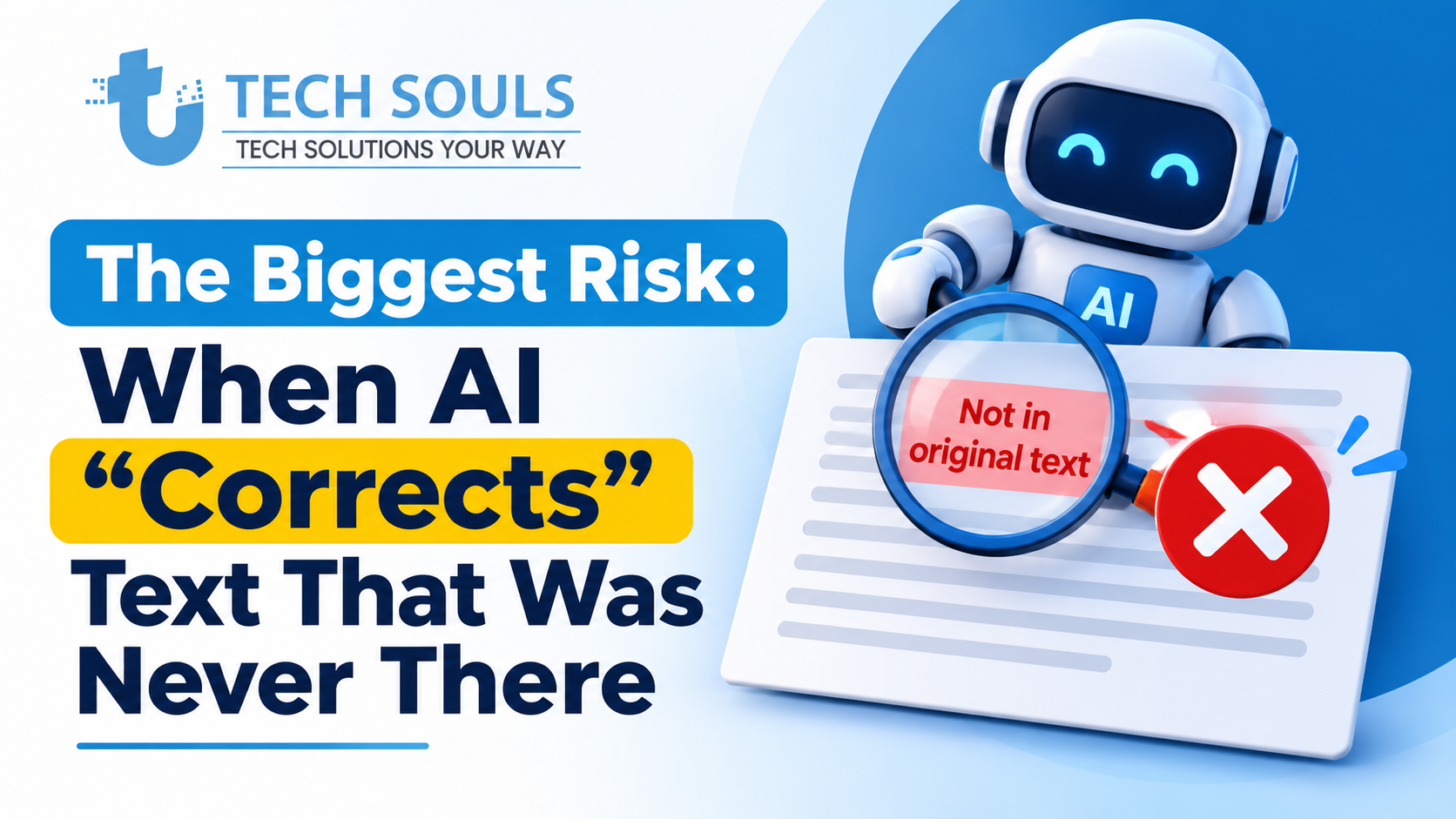
Older OCR failed loudly. It produced gibberish, so you knew to look. Newer models that use language understanding can fail quietly. A smudged "18,400"cancomeoutasaclean"13,400," and one similar-looking name can replace another. The output reads fluently, so errors slip through.
How to catch them:
- Define your critical fields. Party names, dates, deadlines, dollar amounts, case and account numbers, and for medical records, medications and dosages.
- Sample, don't skim. Check a random set of pages, plus every page the tool flagged as low confidence.
- Measure the error rate. Character error rate (CER) is the share of characters that differ from a correct transcript: substitutions, deletions, and insertions divided by total characters. Even 20 to 30 test pages show how a tool behaves on your files. Our guide to OCR accuracy shows how to run the test.
- Raise the bar for evidence. If a number will be quoted in a filing, a person checks it against the image.
Pro Tip: Quote from the page image, never from the OCR text alone.
Where Legal Teams Use AI OCR
- Discovery. Image-only productions become searchable so reviewers can run keyword searches. Under Federal Rule of Civil Procedure 34, when a request doesn't specify a form, electronic information must be produced in the form it's ordinarily kept in or a reasonably usable form, so searchability often matters.
- Personal injury and medical records. Faxed charts and handwritten notes become searchable for chronology work. If health information is involved, read the compliance section below.
- Contracts. Scanned agreements become searchable for clause review and data extraction.
- Court filings. Some courts require text-searchable PDFs for e-filing. The Ninth Circuit, for instance, requires it for all electronically filed documents (Cir. R. 25-5(d)); see its electronic filing guide. Rules vary by court, so check the local rules.
- Paperless transitions. Closed files get digitized and indexed.
Three hypothetical scenarios:
- A solo attorney with 800 pages of faxed records runs one batch, then checks dates and dosages on the flagged pages instead of reading every page.
- A paralegal with a production due Friday checks scan quality first. A bad scan found on Thursday costs more than one fixed on Monday.
- A small firm digitizing 20 years of paper pilots one box, records the results, and keeps originals until its retention policy allows disposal.
Security, Privilege, and Compliance Checklist
An OCR vendor sees everything you upload. For lawyers, that triggers professional duties. In 2012, the ABA added Comment 8 to Model Rule 1.1, which expects lawyers to understand the benefits and risks of relevant technology. Rule 1.6(c) requires reasonable efforts to prevent inadvertent or unauthorized disclosure of client information, and Rule 5.3 extends supervision duties to nonlawyer help, including AI-powered software.
ABA Formal Opinion 512, issued July 29, 2024, addresses lawyers' use of generative AI tools. ABA opinions are persuasive but not binding, and state bars may take different approaches. The opinion covers generative AI specifically, so how closely it fits depends on whether your OCR vendor uses generative models. The underlying duties of competence, confidentiality, and supervision apply to any vendor either way.
Before you upload anything:
- Does the vendor train its models on your files? Get the answer in writing.
- Where is data stored, for how long, and can you delete it on request?
- Is data encrypted in transit and at rest?
- Which subprocessors can access your files?
- Can you request a SOC 2 report, and will the vendor sign a business associate agreement (BAA) if health information is involved?
- Who approved the tool, and is the decision documented?
- Does the client's engagement letter or outside-counsel guideline restrict cloud or AI use?
A note on HIPAA. A law firm generally becomes a business associate when its legal services for a covered entity involve protected health information (PHI), and vendors handling that PHI generally need their own agreements. HHS lists legal services among the functions business associates perform; see its business associates guidance. Whether this applies to a given matter is a question for compliance counsel. And free consumer OCR websites are the wrong place for privileged or health-related files. Our guide on uploading confidential documents to AI tools covers the wider risks.
How to Choose an AI OCR Tool
| Category | Examples | Good for | Watch out for |
| Cloud APIs | Google Document AI, Amazon Textract, Azure AI Document Intelligence | Automated pipelines built by developers | Data-handling terms, setup effort |
| Open source | Tesseract, OCRmyPDF | In-house control, low software cost | Weaker on handwriting and poor scans, needs technical skill |
| Desktop software | Adobe Acrobat, ABBYY FineReader | Small batches, quick searchable PDFs | Manual work at scale |
| Legal platforms | E-discovery and case-management tools with built-in processing | Large matters, review workflows | Cost, lock-in |
These examples are for orientation, not endorsement. Features change, so check current documentation.
When you compare tools, look at accuracy on your own sample, handwriting support, table and layout retention, batch size limits, export formats (searchable PDF, plain text, PDF/A), security terms, and the pricing model.
For cost, don't compare the per-page price alone. Use this formula: total cost = (pages × per-page cost) + (review hours × hourly rate) + rework. For example, checking 5% of a hypothetical 5,000-page set at one minute per page is about four hours of review. A cheap tool that needs heavy review can cost more than a pricier, more accurate one.
If you'd rather build your own pipeline, our OCR API tutorial is a good starting point.
Common Mistakes
- Trusting the output without sampling it
- Throwing away the original scan after OCR
- Uploading privileged or health-related files to free tools
- Scanning faded pages in black-and-white
- Drawing a box over text and calling it redaction, since the text can still sit underneath. Use true redaction, then run OCR on the final version.
- Judging a tool by a vendor demo instead of your own documents
Pro Tips
- Test 20 to 30 representative pages, and include your worst ones.
- Keep a short list of known trouble spots (handwriting, stamps, margin numbers) for reviewers.
- Search for spelling variants. Exact-match searches miss OCR errors like "Smith" read as "Srnith."
- Store the OCR version separately from the original image.
When Not to Rely on OCR Alone
- Handwriting that will be quoted as evidence
- Badly damaged or partial originals
- Documents that need a certified transcription
- Any figure or date a decision depends on
FAQs
What is AI OCR for legal documents?
It's software that uses machine learning to turn scanned or photographed legal documents, including typed and handwritten text, into searchable, editable text.
Is OCR accurate enough for legal documents?
It depends on scan quality, document type, and the tool. Clean typed pages usually do well, while faxes and handwriting do worse. No universal accuracy number applies, so test on your own files and verify critical fields.
Can AI OCR read handwritten legal documents?
Often partly. Handwriting is the least reliable input, so treat the output as a draft and check important passages against the image.
How do I convert a scanned legal PDF to searchable text?
Scan at a suitable resolution, run it through an OCR tool, review flagged words, spot-check key fields, and export a searchable PDF or text file. Keep the original image.
Is it safe to use AI OCR on confidential files?
Only if the vendor's terms and security meet your obligations. Check data retention, model training on your files, encryption, subprocessors, and whether a BAA is needed for health information.
Do courts accept OCR'd documents?
Many courts accept or require text-searchable PDFs for e-filing, but rules vary by court. Check the local rules. OCR text supports searching, while the page image remains the record.
What's the difference between OCR and intelligent document processing?
OCR extracts text. Intelligent document processing goes further by classifying documents and pulling out specific fields, such as dates and parties, often with validation steps.
Summary
AI OCR makes scanned legal files searchable faster than manual typing, and it copes with faxes, stamps, and handwriting better than older tools. It also introduces a quieter kind of error. Scan carefully, verify the fields that matter, keep the originals, and vet vendors before any client file leaves your control.
Conclusion
Used with a verification habit, AI OCR is one of the more practical automation wins in a document-heavy practice. Start small with a pilot batch, measure the errors, and expand once the results hold up. For more on automating document-heavy work, browse our AI automation guides or the full TechSouls blog. And if you need a document workflow built into your own website or app, the team at TechSouls builds web and app solutions.